Free AI Photo Editor Online

Photo Enhancer

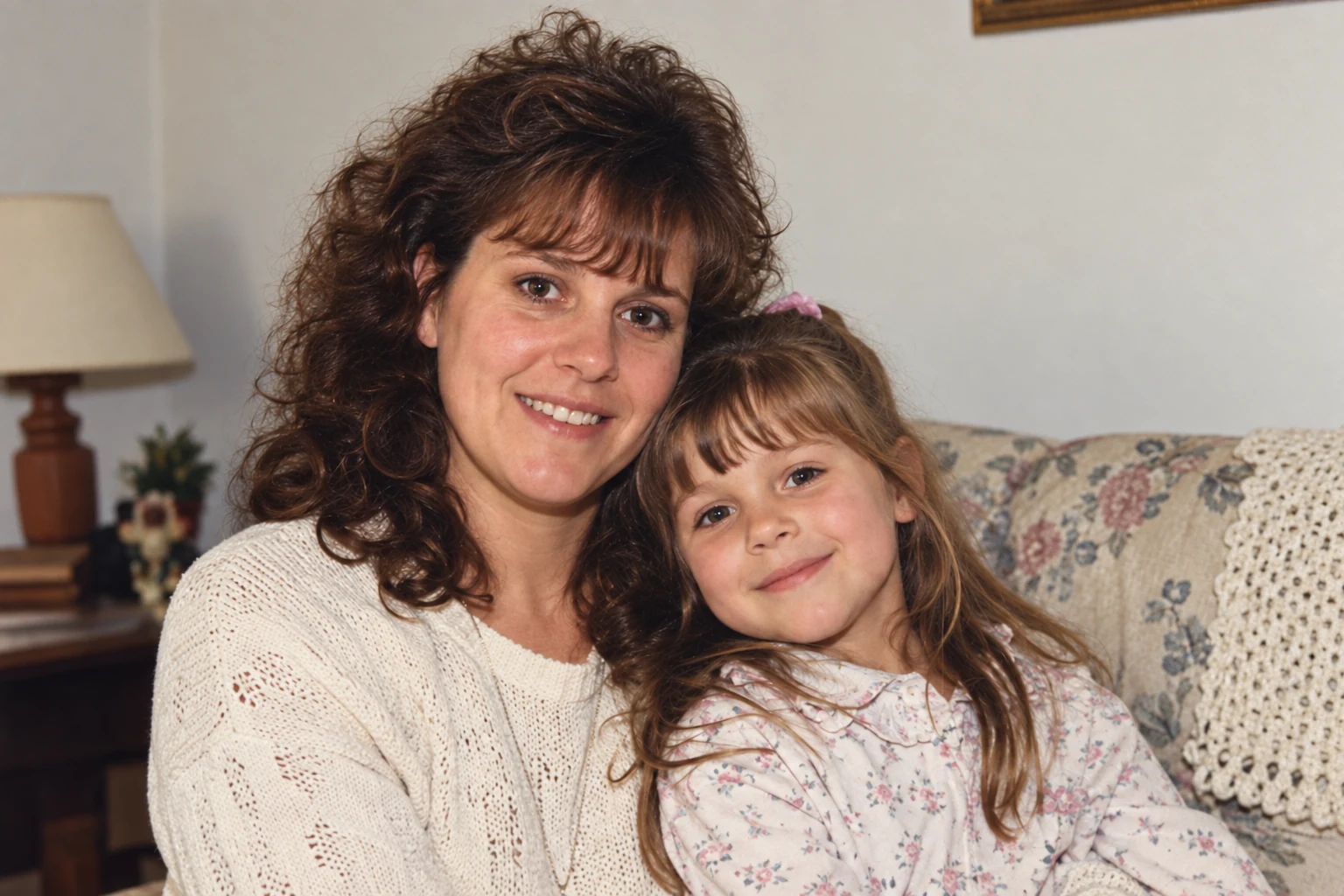
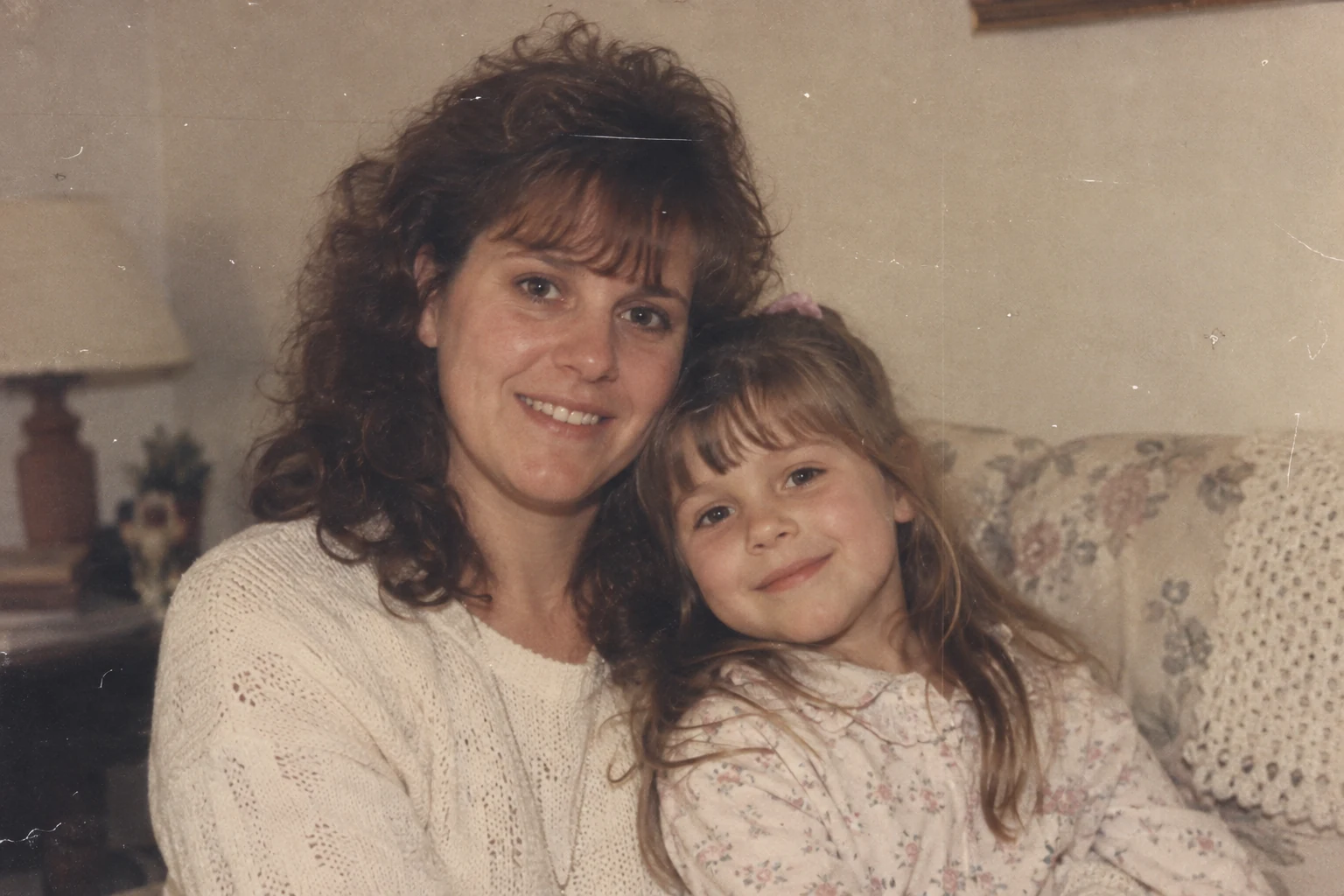
Enhance photos online with an AI Photo Enhancer that improves clarity, lighting, color, and fine detail in one simple edit. The AI photo editor reduces blur and noise while preserving natural skin tones, textures, and facial features. Use it to enhance old photos, portraits, product images, and everyday shots for sharper, cleaner, high-quality results.

  • One-click clarity and detail enhancement
  • Natural color, lighting, and texture
Restored family portrait with clearer faces, natural color, and refined detail after AI photo enhancement
Faded family portrait with grain, scratches, and muted detail before AI photo enhancement
Drag left or right to compare images. Use the arrow keys for fine adjustments, or Home and End to reveal either image.

Remove Objects from Photos with AI Photo Editor

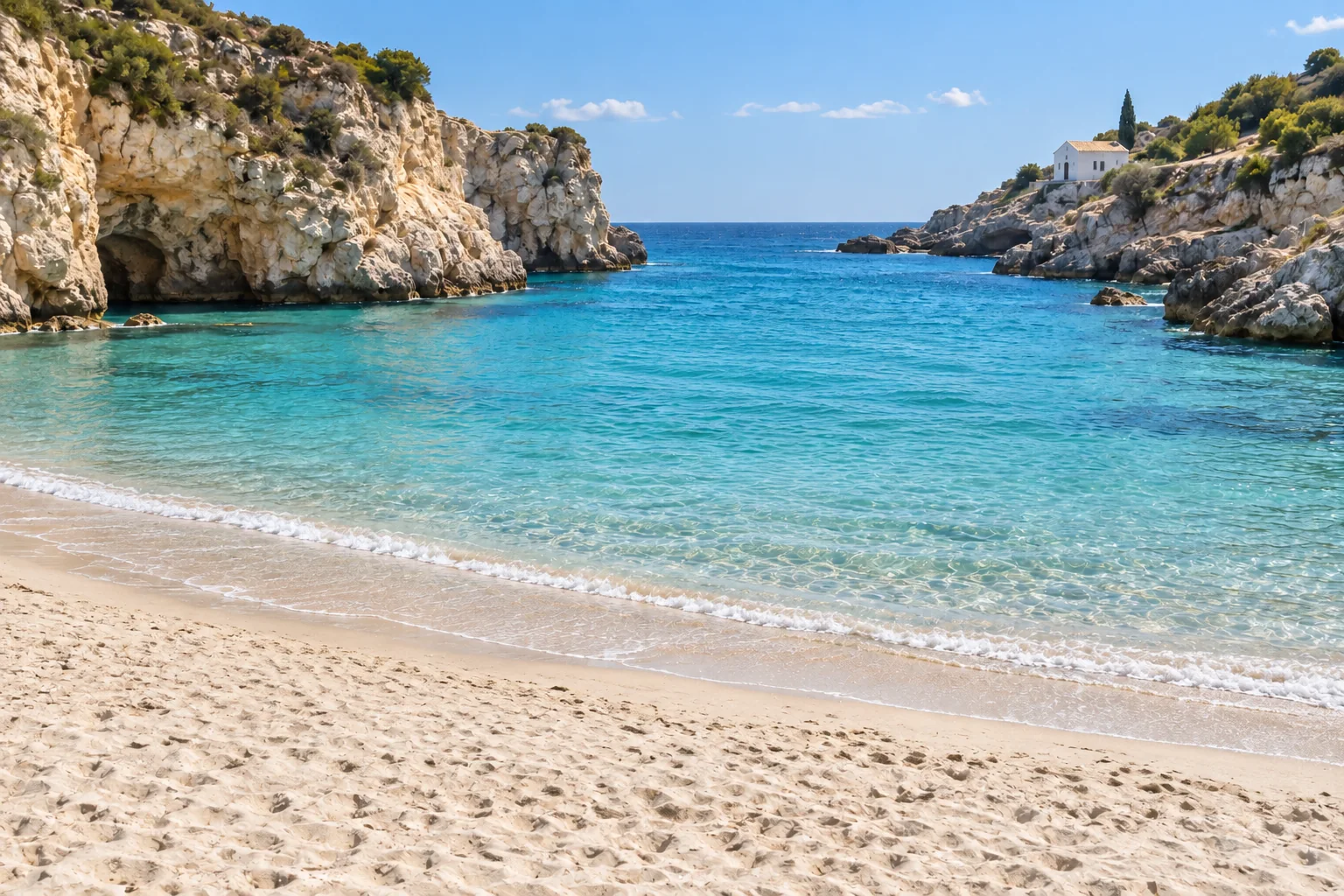
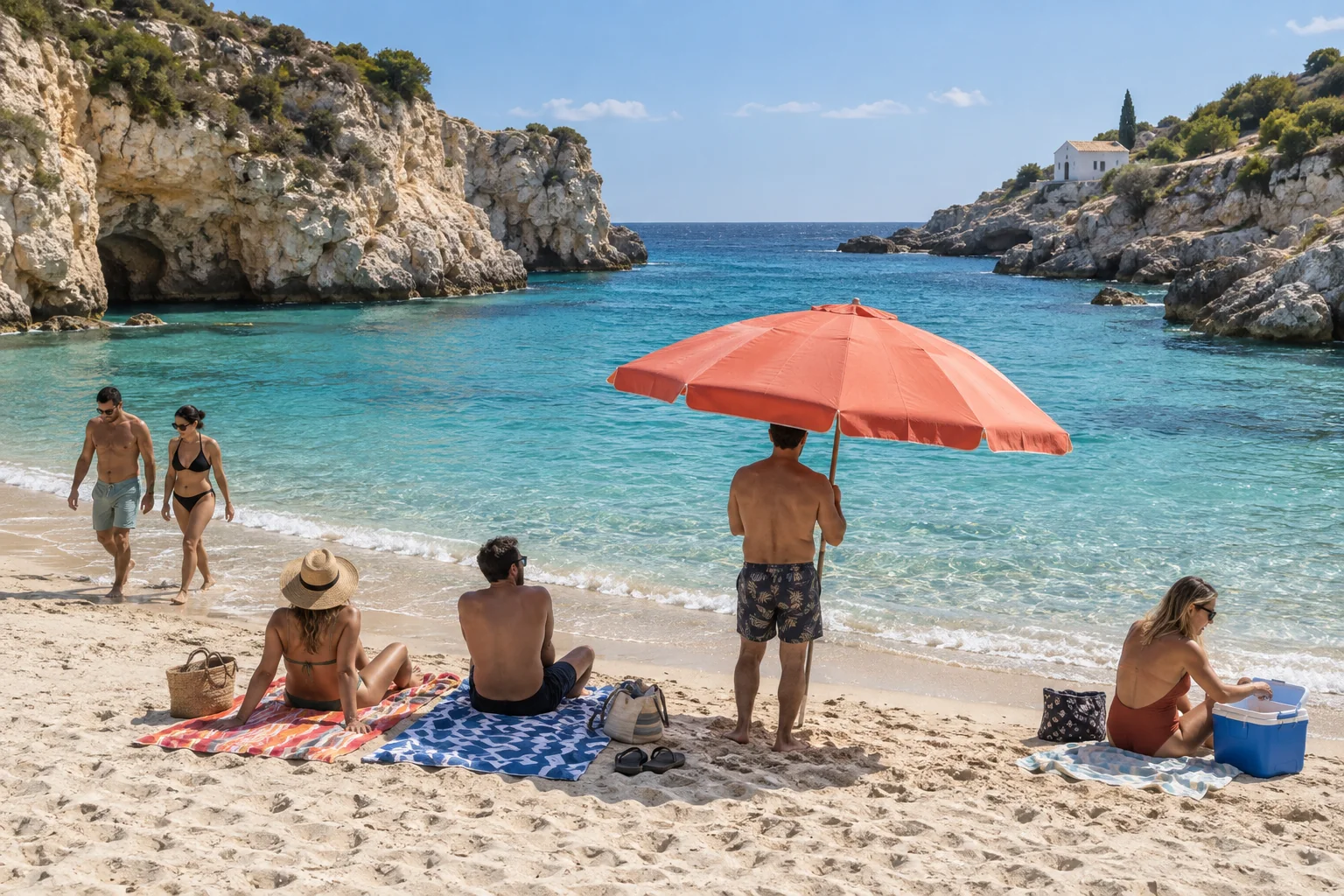
Remove objects from photos online without leaving blurry patches or repeated textures. To remove object from photo files, describe the unwanted item, watermark, sign, cable, or distraction, and our AI object remover rebuilds the missing area with natural light, depth, and detail. You can also remove people from photo backgrounds to clean up travel pictures, product images, property photos, and social content in seconds.

  • Natural background and texture reconstruction
  • Remove people, text, and unwanted objects
Empty Mediterranean beach after removing tourists and objects and reconstructing sand and water
Mediterranean beach crowded with tourists, towels, an umbrella, and a cooler before AI removal
Drag left or right to compare images. Use the arrow keys for fine adjustments, or Home and End to reveal either image.

Change / Replace Photo Background

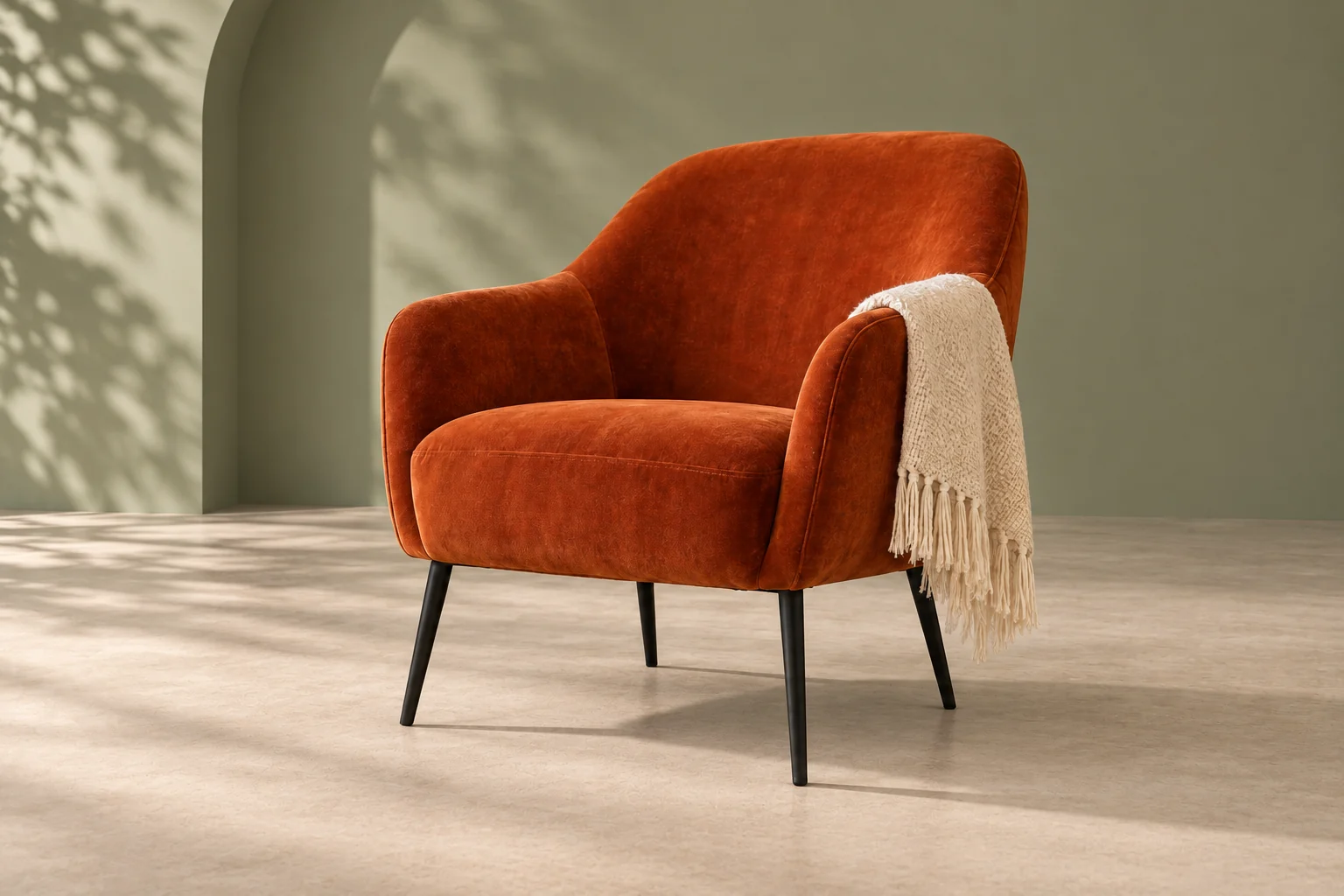
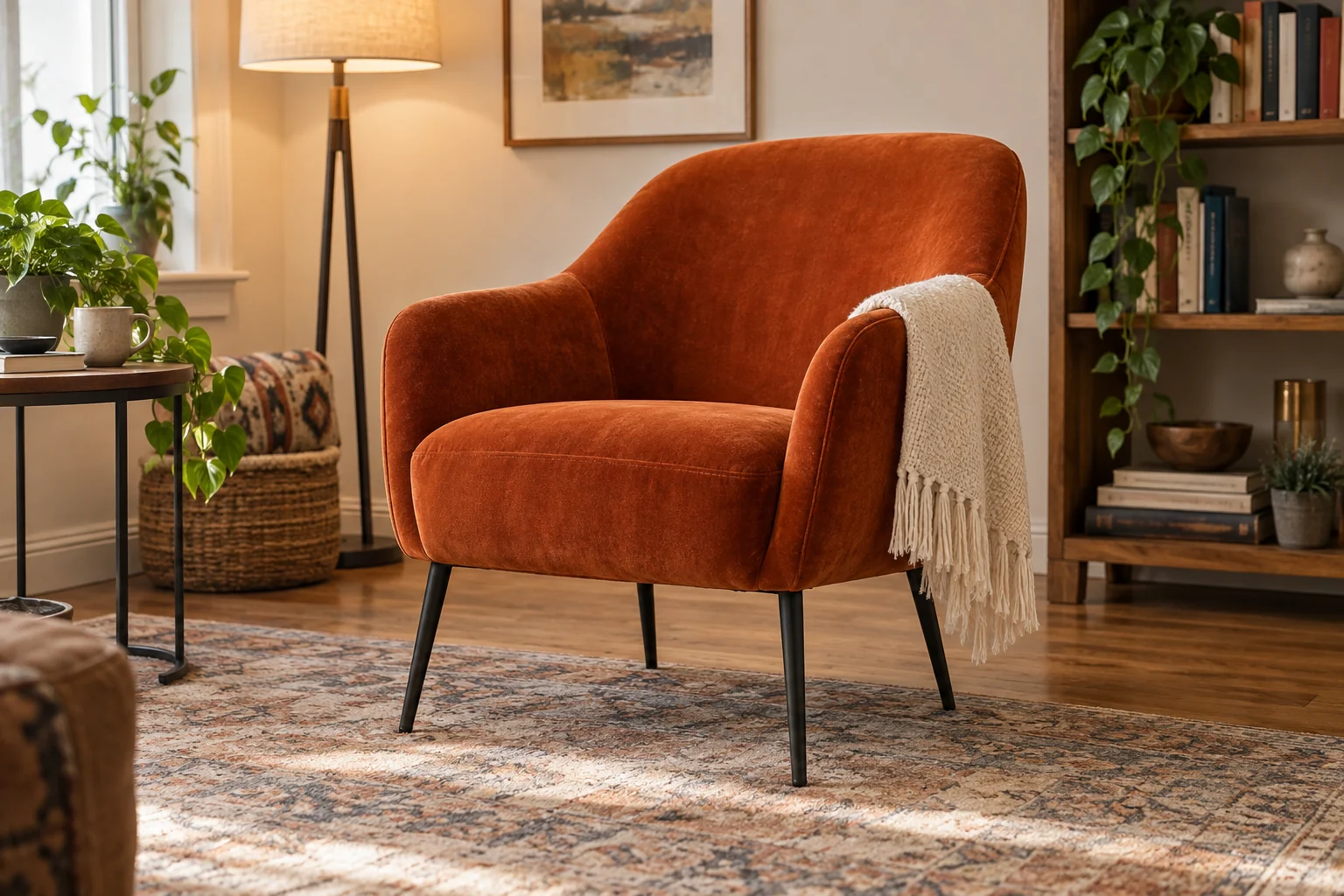
Change or replace photo backgrounds online with an AI photo background changer that keeps people, products, hair, and fine edges clean. In the AI Photo Editor, describe a new color, studio setting, outdoor scene, or branded backdrop, and the photo background changer blends it with the subject using consistent light, perspective, and detail. Create polished profile pictures, product listings, social posts, and marketing images without manual masking.

  • Clean subject edges and natural lighting
  • Custom colors, scenes, and studio backgrounds
Orange velvet armchair placed in a clean sage studio after AI background replacement
Orange velvet armchair in a busy apartment before changing the photo background
Drag left or right to compare images. Use the arrow keys for fine adjustments, or Home and End to reveal either image.

Colorize Old Photos Powered by AI Photo Editor

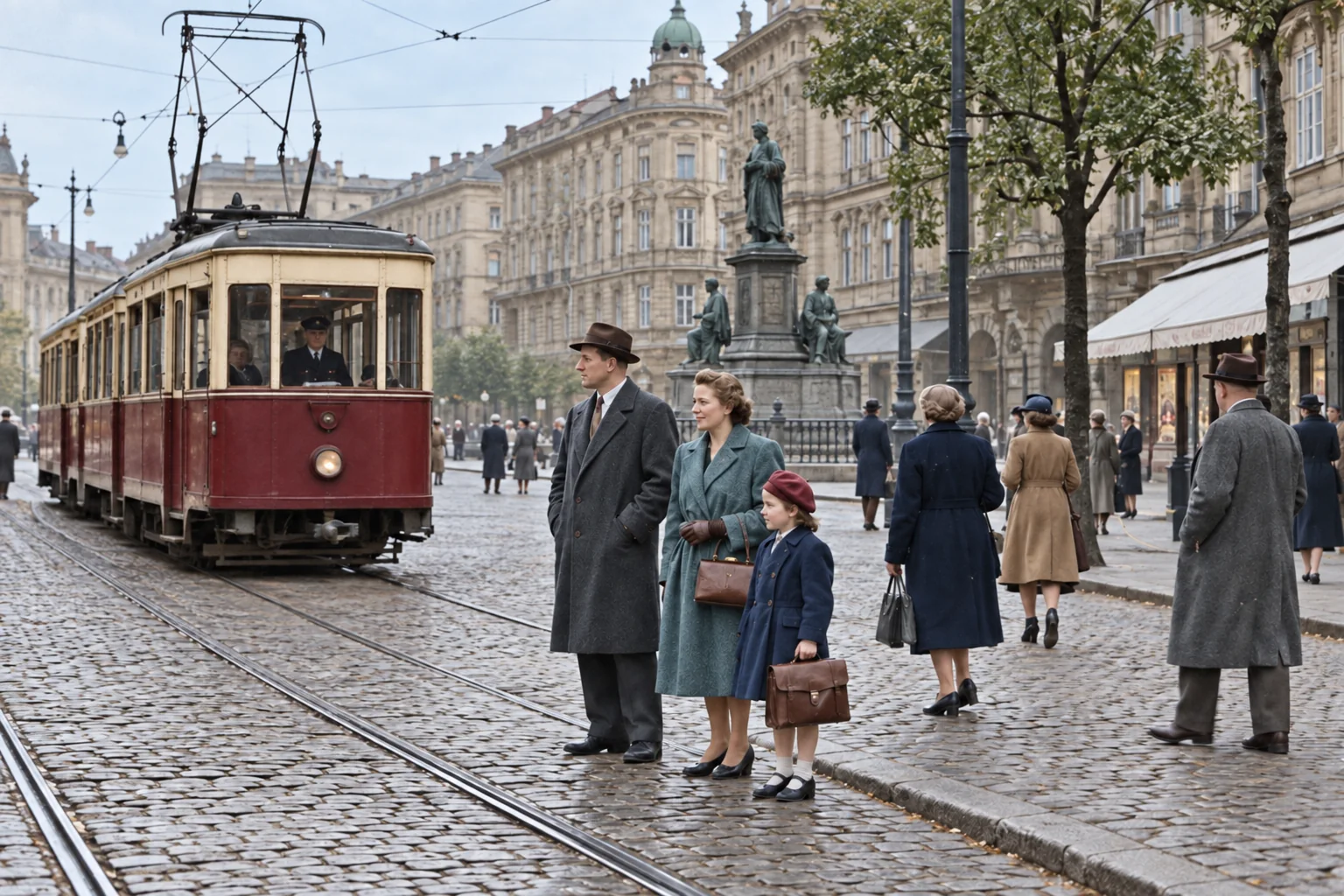
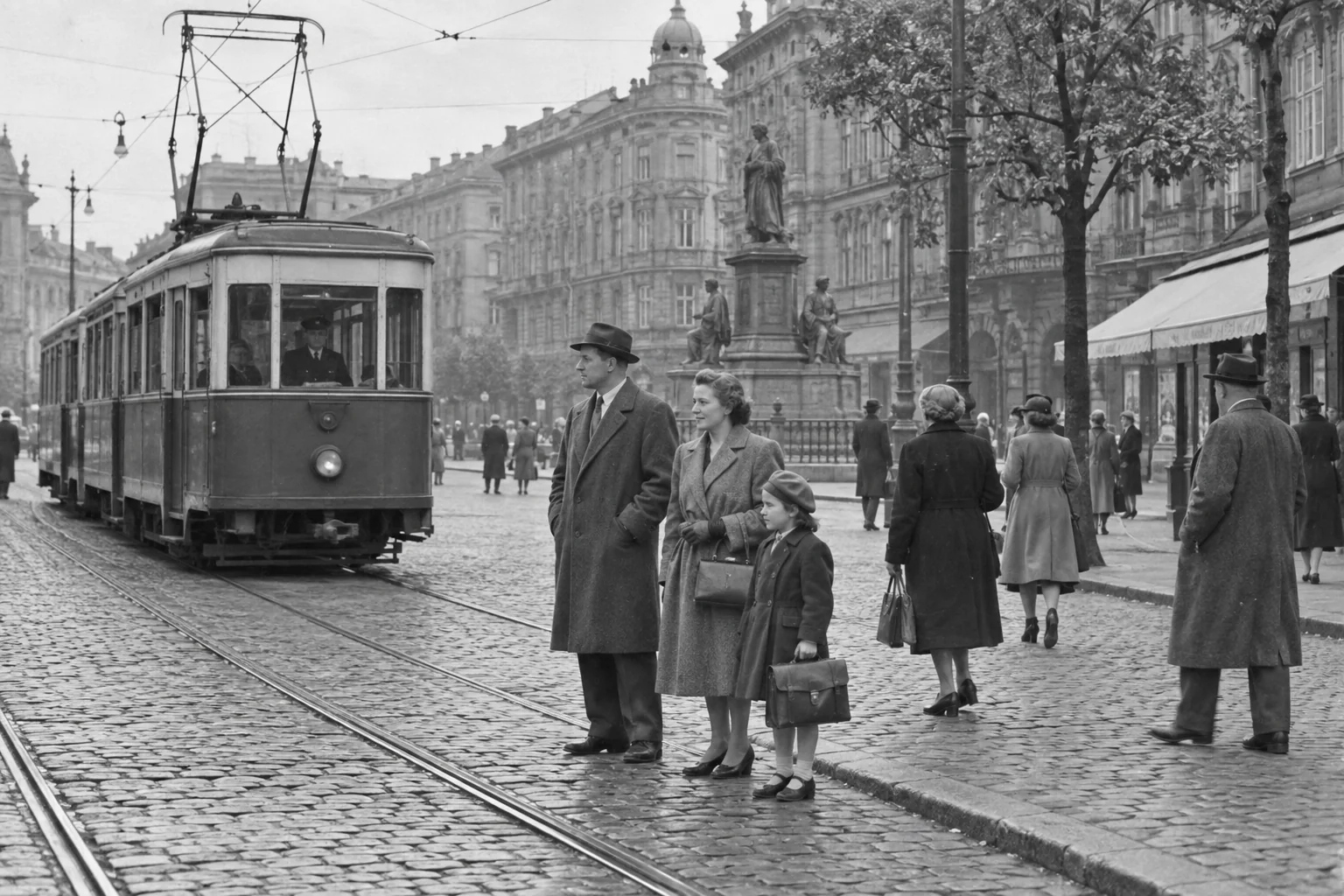
Colorize old photos online while preserving faces, clothing, architecture, and authentic period detail. Use the colorize photo workflow with a black-and-white or faded image, then describe the tones and atmosphere you want. The AI Photo Editor balances skin tones, contrast, and lighting for Professional results without flattening the original texture. Colorize photo memories such as family portraits, historical scenes, archives, and vintage travel pictures in seconds.

  • Natural colors with preserved period detail
  • Professional portraits, archives, and restorations
1950s European tram scene colorized with natural period-appropriate tones using AI
Black-and-white 1950s European tram scene before AI photo colorization
Drag left or right to compare images. Use the arrow keys for fine adjustments, or Home and End to reveal either image.

AI Photo Upscaler using AI Photo Editor

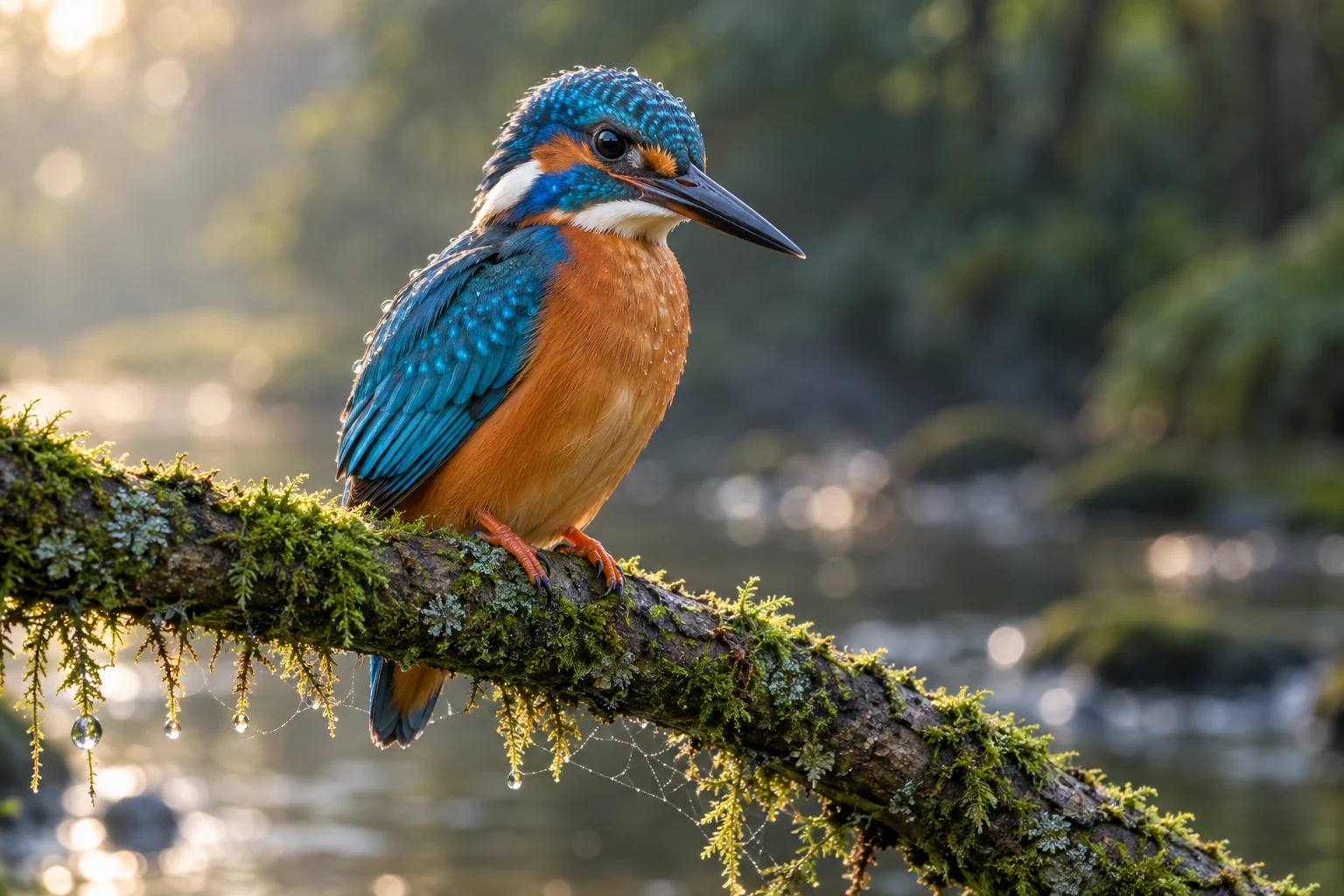
Upscale photos online with an AI photo upscaler that improves resolution, clarity, and fine detail without making the image look artificial. The AI Photo Editor reduces blur, noise, and compression artifacts while sharpening faces, hair, fabric, and product textures. Use the photo upscaler for old photos, cropped images, prints, presentations, product listings, and social media assets that need a cleaner 2× or 4× result.

  • 2× and 4× high-resolution enhancement
  • Sharper faces, textures, and product details
High-resolution kingfisher photo with detailed feathers, eye, moss, and water droplets after AI upscaling
Low-resolution kingfisher photo with compressed feathers, moss, and water droplets before AI upscaling
Drag left or right to compare images. Use the arrow keys for fine adjustments, or Home and End to reveal either image.

What Makes ArtDo a Better Free AI Photo Editor?

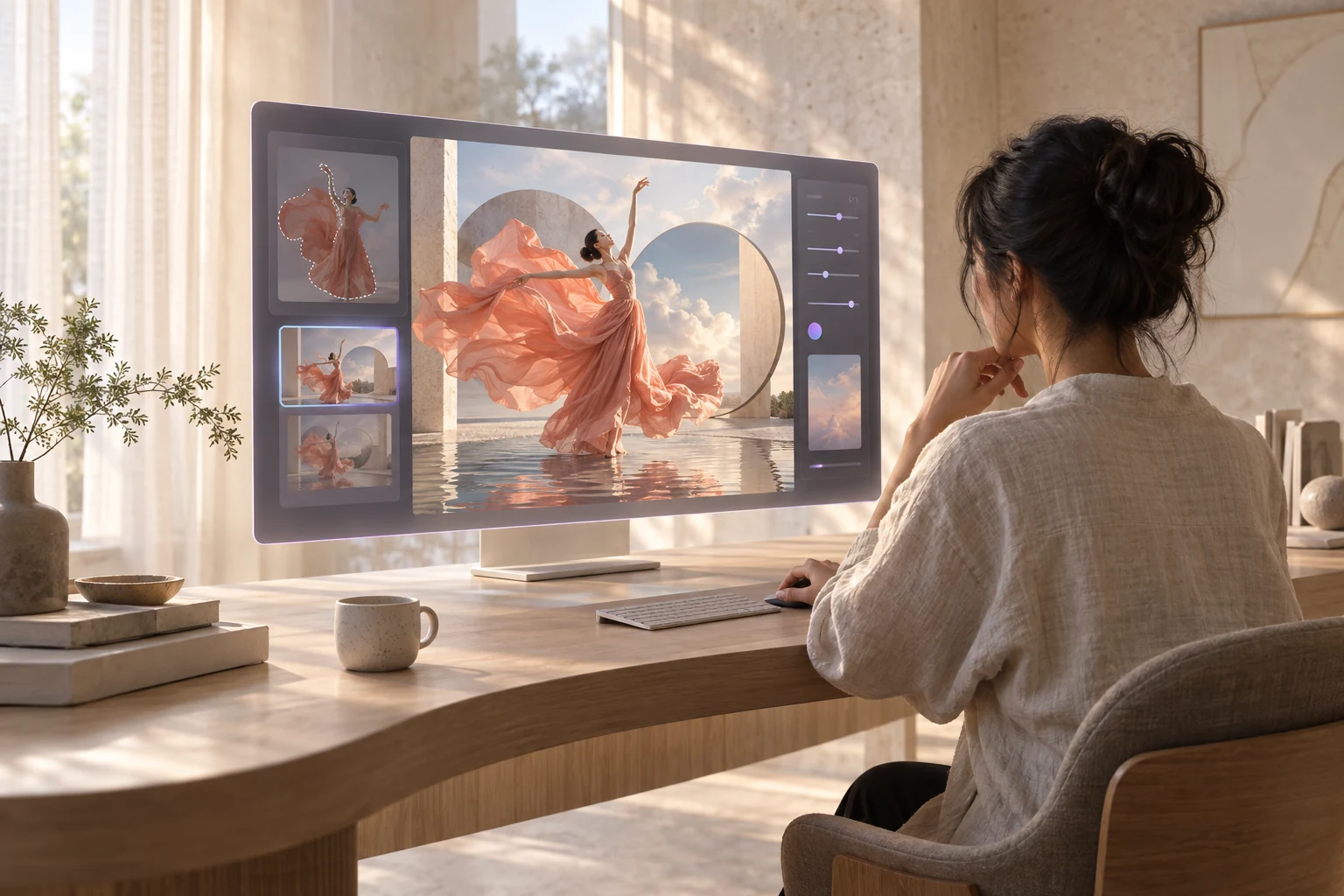
Creator using an intelligent AI Photo Editor to transform a fashion image

Smarter Editing, Less Manual Work

ArtDo combines a free AI photo editor with prompt-based controls, so you can remove distractions, enhance details, replace backgrounds, and explore new styles without learning complex tools. Describe the result you want and let the AI Photo Editor handle the repetitive steps.
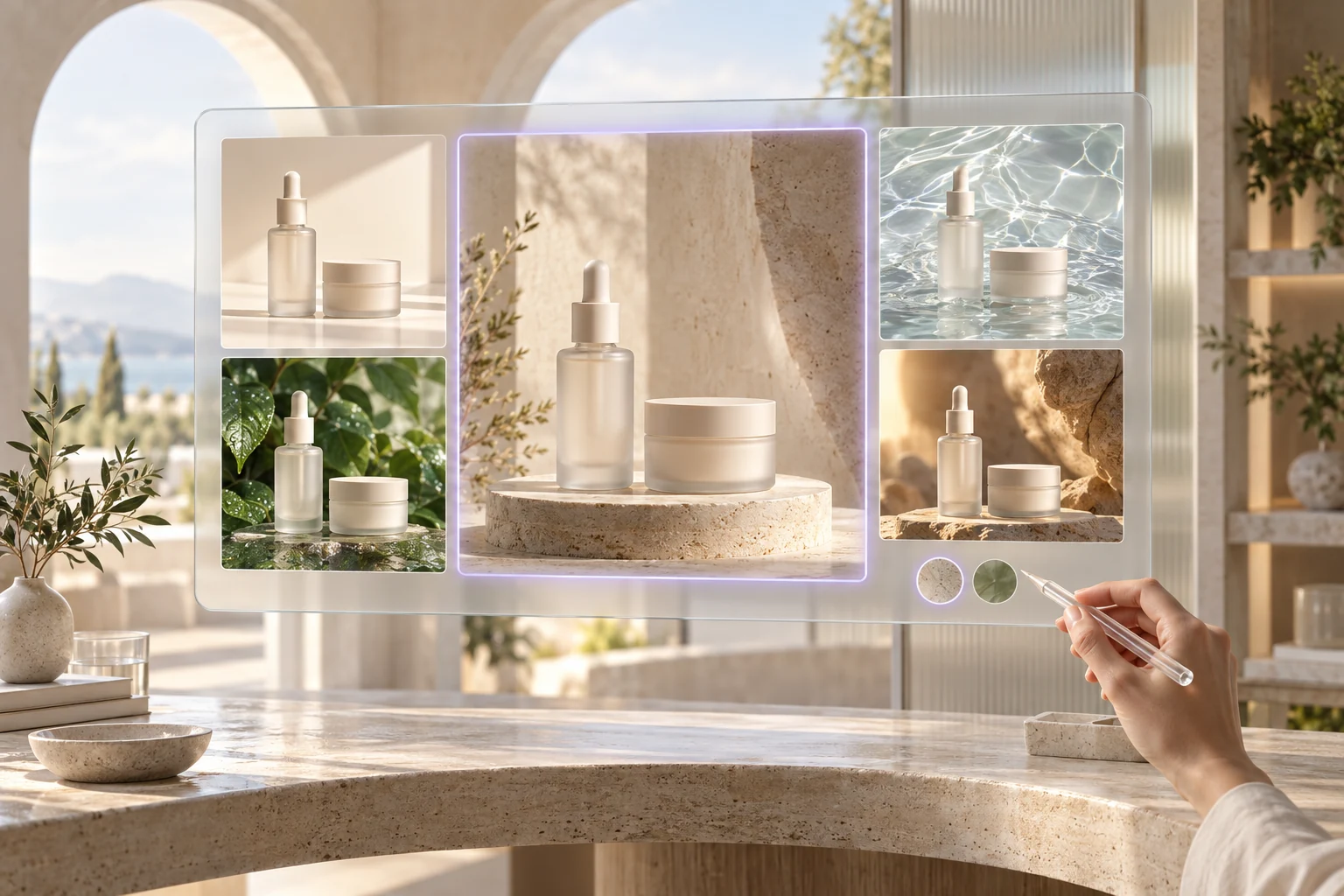
AI photo editing workspace showing skincare products in several campaign settings

One Creative Workspace with AI Photo Editor

Move from quick cleanup to polished campaign visuals in one browser workspace. Creators, sellers, students, and growing teams can edit portraits, product photos, social content, and concepts with consistent results—without complicated setup or switching between apps.

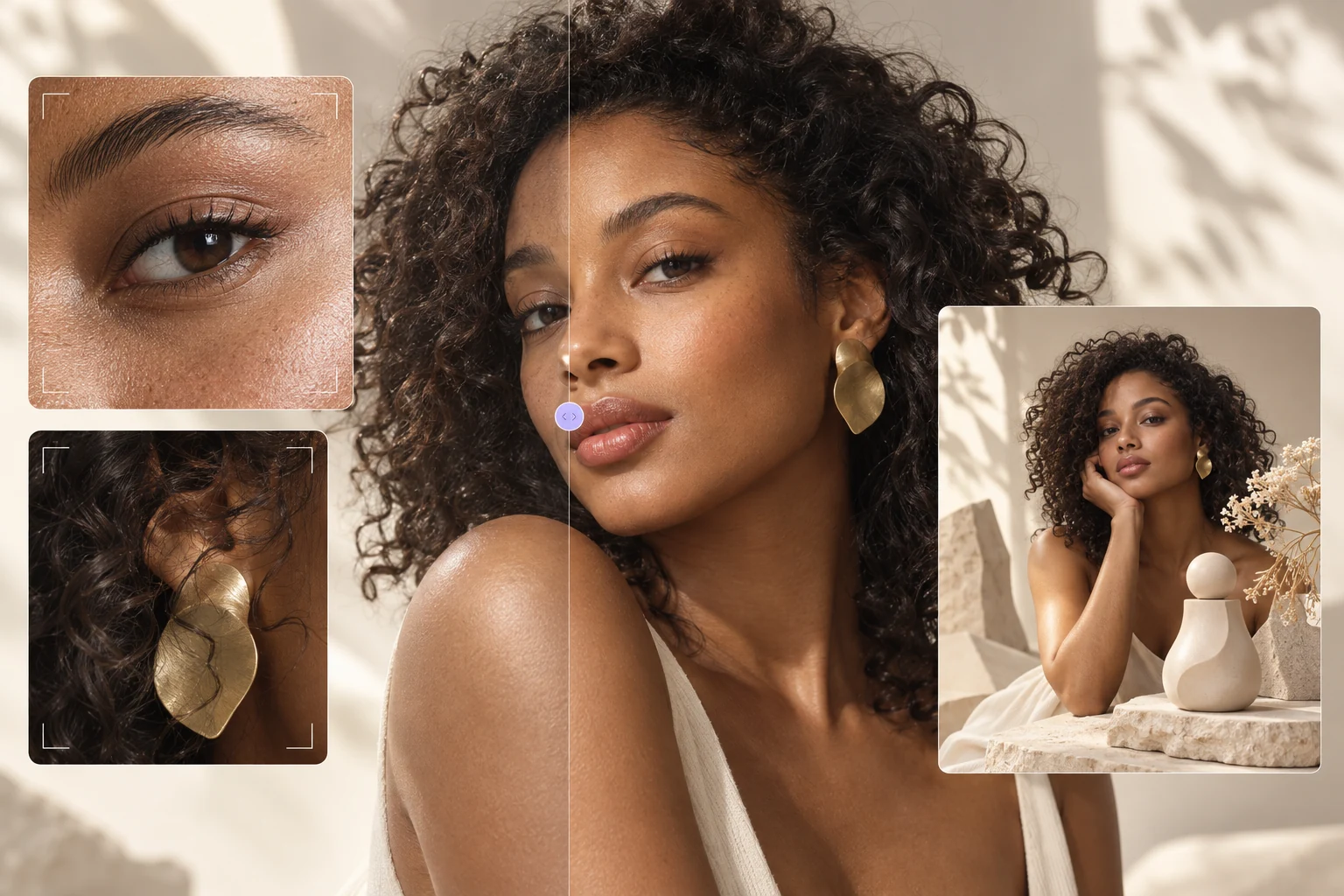
Professional portrait with detailed skin, hair, and campaign image variations

Professional Quality Made Accessible

Create sharp, production-ready images for stores, ads, presentations, and personal projects. The AI Photo Editor preserves fine edges, textures, lighting, and composition while helping you enhance, transform, and upscale photos through a streamlined editing workflow.

How to Use ArtDo AI Photo Editor Online

  1. Upload the Photo You Want to Edit

    Choose one or more JPG, PNG, or WebP images from your device, up to 24 MB per file. Start with a portrait, product photo, social graphic, old picture, or any visual that needs cleanup, enhancement, or a creative change.

  2. Describe Your Edit and Choose a Model

    Tell the ArtDo AI Photo Editor what you want to change, then select the model that fits the task. Different models provide distinct strengths in editing precision, visual consistency, creative style, speed, and output resolution.

    • ArtDo 1.0
    • GPT Image 2
    • Nano Banana
    • Seedream 5.0
  3. Review, Refine, and Download

    Generate your image and review the result in the editor. Refine the prompt when you want another variation, check important details, and download the finished visual for ecommerce, social media, marketing, presentations, or personal projects.

Real User Reviews About Our Free AI Photo Editor Online

Boutique owner profile portrait
Boutique ownerE-commerce catalog
“Photographing new arrivals used to slow down every launch. ArtDo gives each item a consistent background and cleaner detail, so my catalog looks cohesive even when I shoot products on different days.”
Beauty content creator profile portrait
Beauty content creatorCampaign content
“ArtDo helps me clear small distractions and resize beauty shots for every social format in one pass. Skin and packaging still look natural, which matters when followers want to see the real finish and texture.”
Wedding photographer profile portrait
Wedding photographerPortrait finishing
“I use the AI Photo Editor for quick portrait previews when timelines are tight. It lifts soft details and removes background distractions without making the couple look over-retouched, so review rounds move much faster.”
Skincare brand founder profile portrait
Skincare brand founderBackground styling
“Changing a product backdrop used to mean rebuilding the whole setup. Now I can test clean studio colors and seasonal scenes while keeping glass edges, shadows, and labels believable across the campaign.”
Freelance art director profile portrait
Freelance art directorConcept variations
“The AI Photo Editor is useful when I need several visual directions before a client meeting. I can explore new compositions and treatments quickly, then take the strongest option into the rest of my design workflow.”
Family historian profile portrait
Family historianVintage restoration
“I have scanned photographs with fading, scratches, and uneven contrast. The restoration tools recover enough clarity to recognize faces and clothing again while preserving the grain and age that make each family picture feel authentic.”
Interior stylist profile portrait
Interior stylistRoom cleanup
“The AI Photo Editor lets me remove cables, bins, and other last-minute distractions from room photos. Walls, floors, and furniture lines stay convincing, so the finished listing reflects the space without looking artificially staged.”
Brand marketer profile portrait
Brand marketerAd production
“When a campaign needs fresh assets in several sizes, the streamlined workflow cuts out repetitive production work. I can clean the source image, adjust the framing, and deliver consistent web and ad versions before the deadline.”
Food photographer profile portrait
Food photographerHigh-resolution exports
“I often crop tightly and still need sharp menu and recipe images. The AI Photo Editor upscales those files with noticeably cleaner edges and texture, giving me flexible exports without reshooting the entire table.”

AI Photo Editor FAQ

Everything you need to know before making your first free online edit.

Is the AI Photo Editor free to use without signing up?

Yes. You can upload an image and start supported edits without creating an account or entering payment details. Optional plans and one-time Credit Packs are available when you want more credits, longer storage, or additional account benefits.

What can I do with the AI Photo Editor?

Use it to remove unwanted objects, replace photo backgrounds, enhance or upscale images, colorize old photos, extend a canvas with outpainting, vectorize artwork, and create image-to-image variations. Available settings and results depend on the selected model and source image.

Which image formats and upload limits does ArtDo support?

You can upload JPG, PNG, and WebP files up to 24 MB per image. The editor accepts up to five input images for supported multi-image workflows, including reference-based composition and guided image edits.

Which AI models support 4K image editing and upscaling?

The AI Photo Editor offers ArtDo 1.0, Nano Banana models, Seedream models, and GPT Image 2, subject to current availability. Depending on the model and aspect ratio, you can choose output up to 4K; supported resolutions and credit costs appear before generation.

Does the AI Photo Editor add a watermark, and can I use results commercially?

ArtDo does not add a watermark to completed downloads. We do not claim ownership of your output, but commercial use depends on your rights to the source images, applicable law, third-party rights, and the selected model provider's terms. Review each result and the Terms of Service before publishing it.

How does ArtDo protect and store uploaded photos?

When you use the AI Photo Editor, the reference images, prompt, and settings needed for the edit are sent to the configured AI processing service. ArtDo uses encrypted transport, private object storage, and short-lived download links. Guest results are retained for up to 24 hours; signed-in retention depends on the account plan, and manually deleted creations enter the deletion queue.